 zappi
zappi eddi
eddi eddi+
eddi+ libbi
libbi harvi
harvi Extras
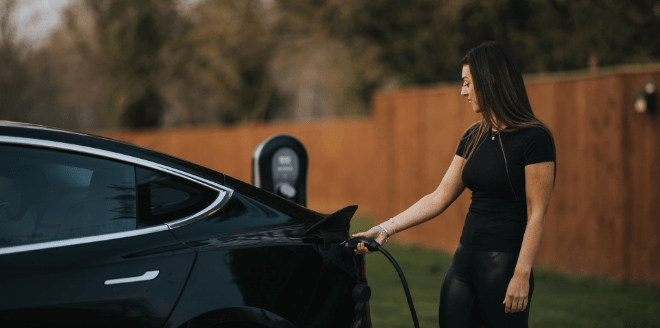 EV Charging
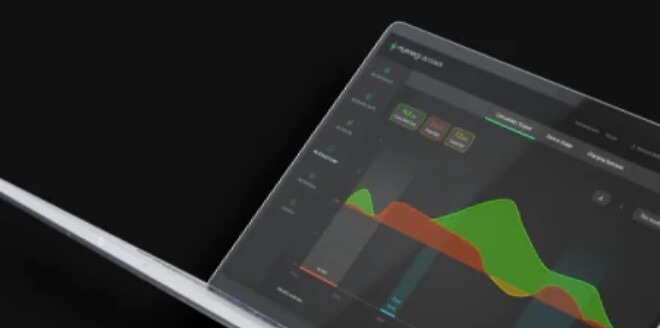 Manage Your Energy
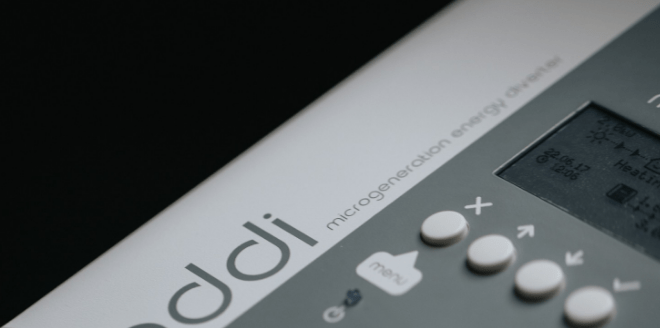 Maximize Your Energy
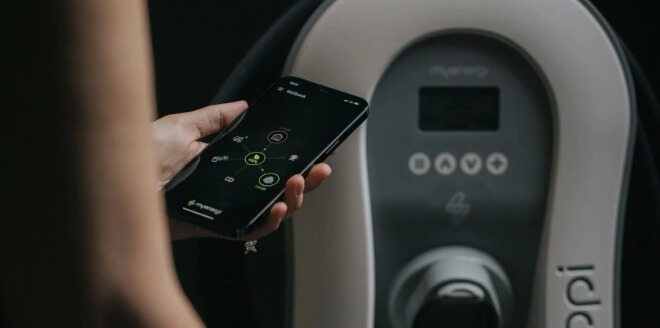 Track Your Energy Usage
 Find an installer
 Commercial Charging Station
 Connect Zappi to a management platform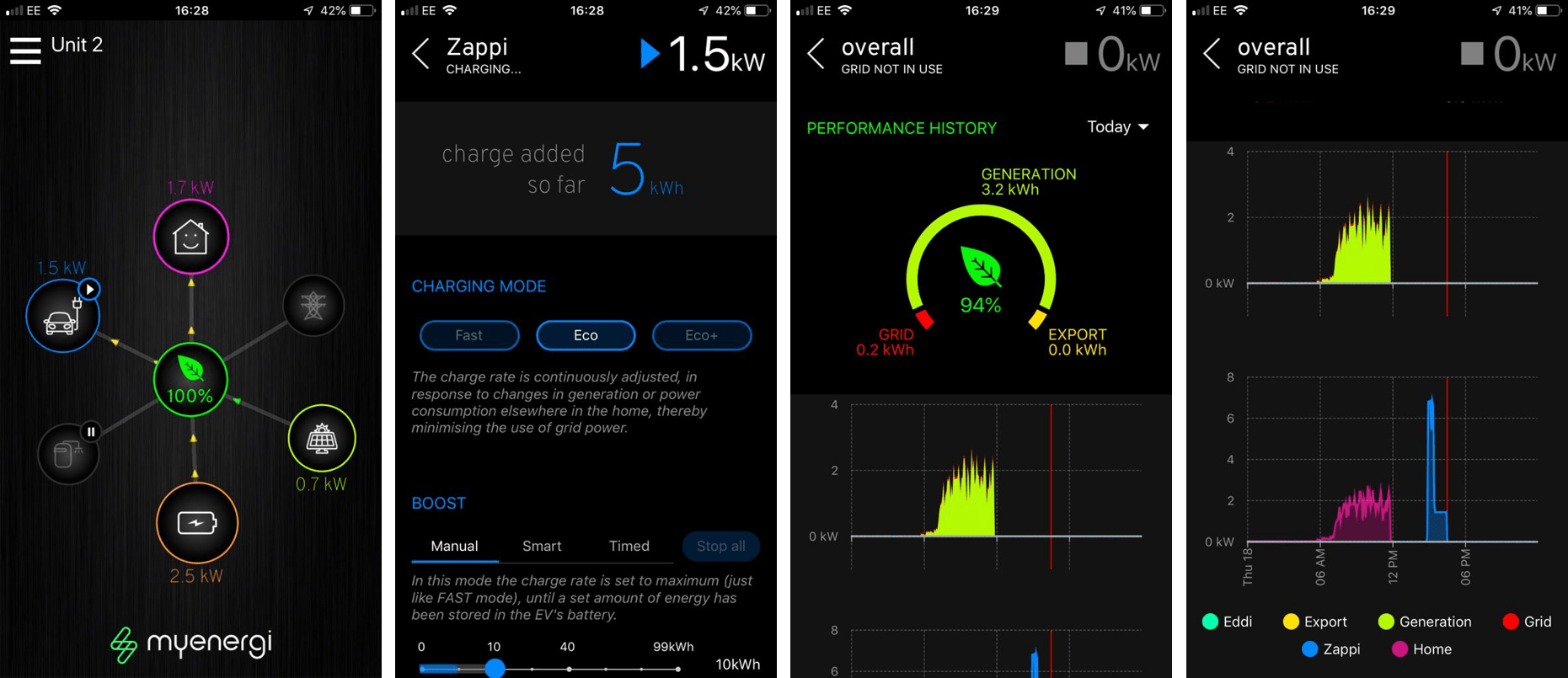

Read more
Are you already using the myenergi app? With the app, you can get even more out of your energy-saving products. Discover the benefits and additional features of the myenergi app in this guide, or download the app directly from the Google Play Store or Apple App Store.
What can I do with the myenergi app?
The myenergi app is designed to help you, the user, save energy and money more efficiently with our products. Once you've installed the app on your phone, you can track how much energy you're saving and using through your own eco-smart EV charger, zappi, and eco-smart energy diverter, eddi.
How does the app work with other myenergi products?
The app works seamlessly with our hub to let you remotely control and monitor your myenergi products from anywhere in the world. With the hub, you can install firmware updates to ensure your myenergi products remain equipped with the latest features in this rapidly evolving industry.
How do I get the myenergi app?
You can easily download the myenergi app from the Google Play Store or the Apple App Store. The app has been available in English for some time, but the latest updates have recently been implemented in the Dutch version as well. Click the link below to download the app right away:
Download the app from the Google Play (Android) Store.
Download the app from the App Store (Apple/iOS).
How does the app work?
Once you've downloaded the myenergi app, all you need to do is add the location of your myenergi products. You can only do this for registered locations, such as your home, workplace, etc. Not sure if your location is registered? No problem. Just check the colors of the LED light on your hub:
- Red: This means your device is not yet connected to your router. Connect to your router and pair your hub with your other myenergi devices.
- Blue: If the LED light is blue, it means that your location is connected to the router but has not yet been registered. You can register the location by following the simple step-by-step guide that appears when you open the myenergi app.
- Green: Congratulations, the location has already been registered. Tap “Connect this location that’s already registered” in the app, and you’re all set to go.
Do you have any questions about the myenergi app or our products? Feel free to Contact Us Contact our green team—we’re happy to help!