 zappi
zappi eddi
eddi eddi+
eddi+ libbi
libbi harvi
harvi Extras
 EV Charging
 Manage Your Energy
 Maximize Your Energy
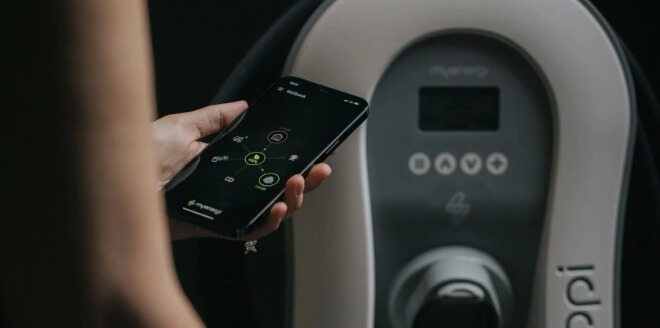 Track Your Energy Usage
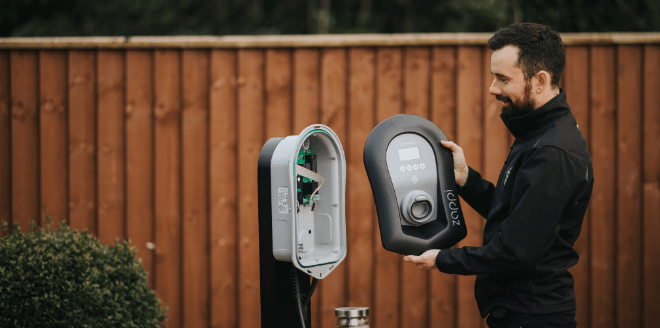 Find an installer
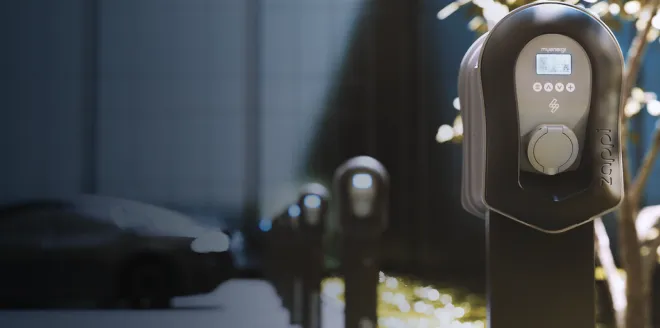 Commercial Charging Station
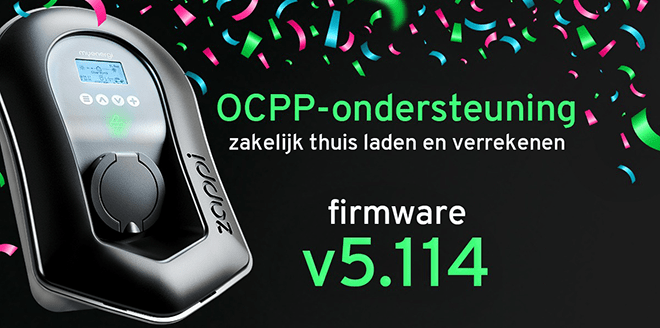 Connect Zappi to a management platform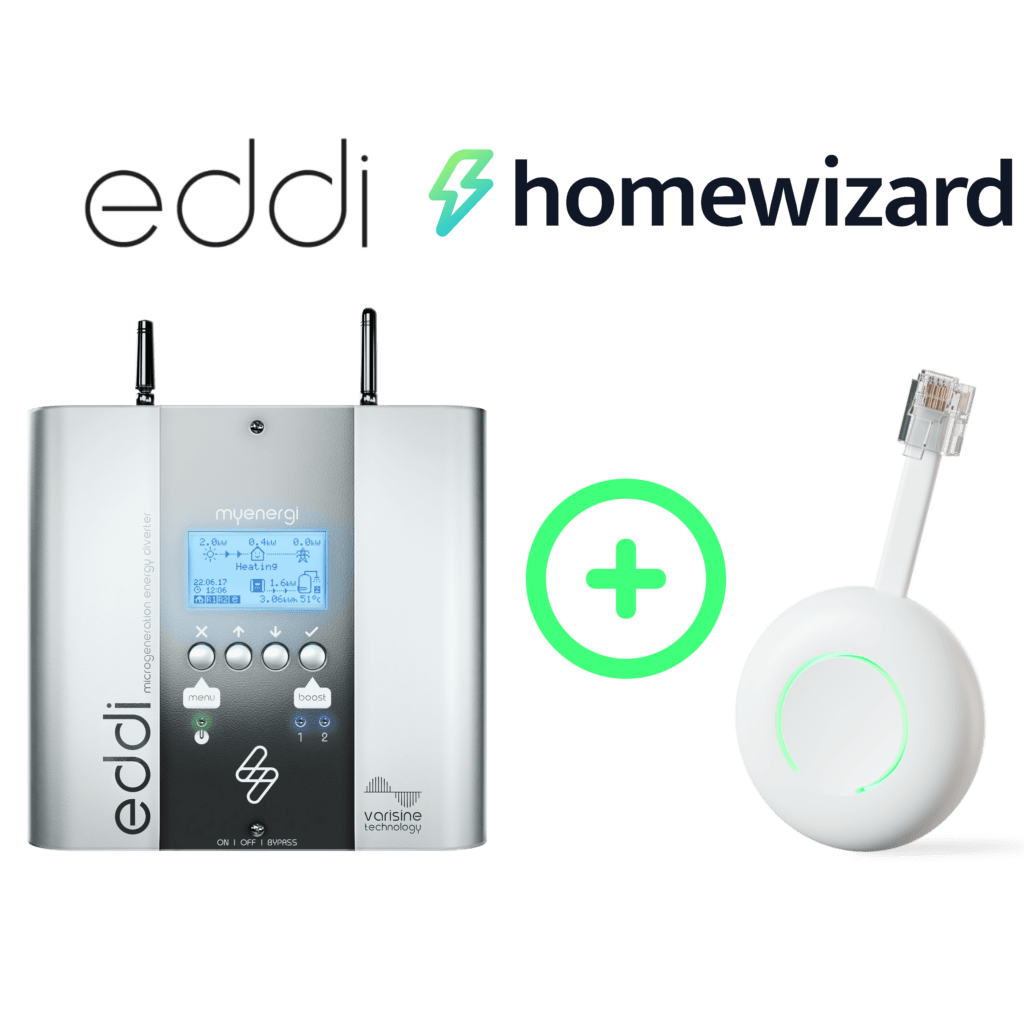
Read more
eddi firmware v5.757: HomeWizard P1 integration and additional language options
Good news for eddi 2.1 users: firmware version v5.757 is now available. This update adds support for the HomeWizard P1 Meter and makes eddi more user-friendly thanks to additional language options and improvements to the installation process.
With this update, eddi is even better equipped for smart energy management in your home. You’ll gain more insight into your energy flows, more control over your own energy, and a clearer user experience on the device itself.
What's new in eddi firmware v5.757?
The most significant addition in eddi firmware v5.757 is support for the HomeWizard P1 Meter. In addition, the update includes new language options, improved translations, and optimizations to the setup wizard.
Here is a summary of the most important improvements:
- Support for HomeWizard P1 meter integration;
- Dutch and French are available as language options on eddi;
- improved German translations;
- Improved functionality of the language selection during the installation wizard;
- improved management of Wi-Fi firmware;
- Protection against firmware downgrades during the installation wizard.
For users, this means, above all, a smoother experience and more options for tailoring eddi to their own home situation.
HomeWizard P1 Meter Integration: Gain More Insights Through Your Smart Meter
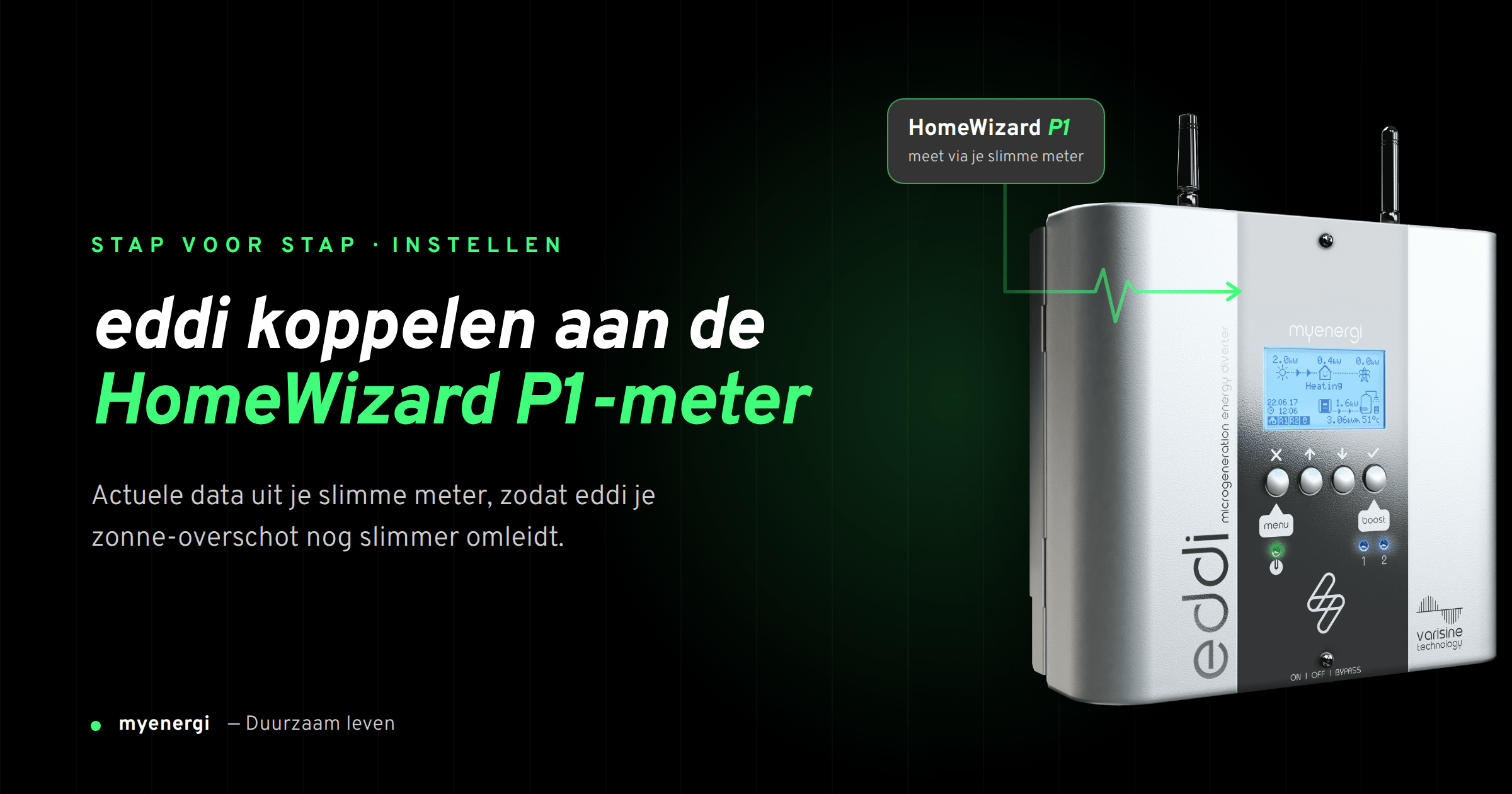
With firmware v5.757, eddi can be paired with the HomeWizard P1 Meter. This P1 Meter connects to the P1 port on your smart meter and provides insight into your home’s electricity and gas usage.
This integration allows eddi to use real-time measurement data from the smart meter. This is valuable because effective energy management starts with reliable data. The better your system understands what’s happening in your home at any given moment, the easier it is to manage generation, consumption, and net metering.
This is particularly appealing for households with solar panels. eddi is designed to make smart use of excess self-generated energy, for example, to heat water or power other suitable resistive applications. This allows you to make better use of your own energy at home.
Terms and Conditions for the HomeWizard P1 Integration
The HomeWizard P1 integration does not work automatically in every situation. To use the integration with eddi, your setup must meet a number of requirements.
The conditions are:
- Your smart meter supports SMR 5.0 or higher;
- eddi is connected via Wi-Fi;
- eddi is not connected via Ethernet for this feature;
- The HomeWizard P1 Meter and eddi are on the same Wi-Fi network;
- eddi is set up as the master device in the myenergi ecosystem;
- eddi's installation PIN is known;
- Eddi's Wi-Fi firmware meets the minimum version requirements.
Are you currently using eddi via a wired Ethernet connection? If so, it’s important to know that the HomeWizard P1 integration works over Wi-Fi. For this feature to work, eddi and the HomeWizard P1 Meter must be connected to the same Wi-Fi network.
Not sure if your system is compatible? If so, please contact your installer or myenergi support before activating the connection.
Important: CTs on eddi do not work during the HomeWizard integration
Do you use CT clamps that are connected directly to eddi? If so, this is an important point to keep in mind.
Once eddi is connected to the HomeWizard P1 Meter, the CT readings are used via the HomeWizard integration. CTs connected directly to eddi cannot be used while this connection is active.
The CT configuration is automatically set to HomeWizard and cannot be manually adjusted during this pairing process. This is especially important for installers and users with an existing CT configuration.
Our advice: Be sure to check the configuration of your eddi system carefully beforehand. Are you using CT clamps with eddi, or are you unsure about the configuration? Have your installer take a look before you enable the HomeWizard P1 integration.
Available in Dutch and French on eddi
Another important improvement in firmware v5.757 is the expansion of language support. Dutch and French are now available as language options on eddi. German translations have also been improved.
This makes eddi more accessible to users in the Netherlands, Belgium, Luxembourg, and other European markets. A smart energy system must not only function well from a technical standpoint, but also be easy to understand in everyday use.
Clear menus and easy-to-understand language help users quickly understand what eddi does, which settings are active, and how to complete the setup wizard.
Improvements in Installation and Firmware Management
Firmware v5.757 also includes improvements that are particularly noticeable during installation and maintenance.
This ensures that the selected language is better preserved during and after the setup wizard. If eddi is restarted during the setup wizard, the previously selected language will be used again. This firmware also prevents eddi from reverting to an older firmware version during the setup wizard.
In addition, the automatic installation of Wi-Fi firmware has been improved. This helps make the installation experience more reliable and easier.
For installers, this means less chance of confusion during setup. For users, it means a more stable and intuitive experience.
How will the firmware update be made available?
Internet-connected eddi 2.1 devices can automatically download the firmware in the background as soon as the update is available. After the firmware has been downloaded, the user must still perform the firmware upgrade via the eddi screen.
Are you using a traditional hub system? If so, you may need to perform a manual download before eddi can retrieve the firmware.
Are you having trouble figuring it out, or do you not know which firmware version your eddi is using? If so, please contact your installer or myenergi support.
Why This Update Is Important
Home energy is becoming smarter and smarter. Solar panels, dynamic energy contracts, heat pumps, electric cars, and home batteries make it more important to understand what’s happening with your energy.
eddi helps you make better use of the energy you generate yourself. With firmware v5.757, this becomes even more accessible thanks to the HomeWizard P1 Meter integration and additional language support.
So this update isn't just about technology. It's mainly about greater insight, greater ease of use, and greater control over your own energy.
Conclusion: eddi is becoming smarter and more user-friendly
With firmware v5.757, eddi 2.1 receives a valuable update. Support for the HomeWizard P1 Meter gives users more options for utilizing real-time energy data. The addition of Dutch and French as language options also makes eddi more accessible for everyday use.
Be sure to carefully review the requirements for the HomeWizard P1 integration. In particular, it is important to check the Wi-Fi connection, SMR 5.0 support, master device settings, and the impact on directly connected CTs in advance.
Would you like to know if your eddi is compatible with firmware v5.757 or the HomeWizard P1 integration? Check your firmware version or contact your installer or myenergi support.
Your energy remains your energy.