
 zappi
zappi eddi
eddi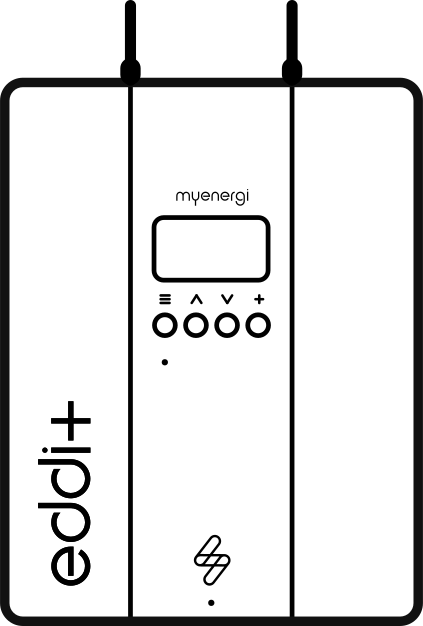 eddi+
eddi+ libbi
libbi harvi
harvi Extras
 EV Charging
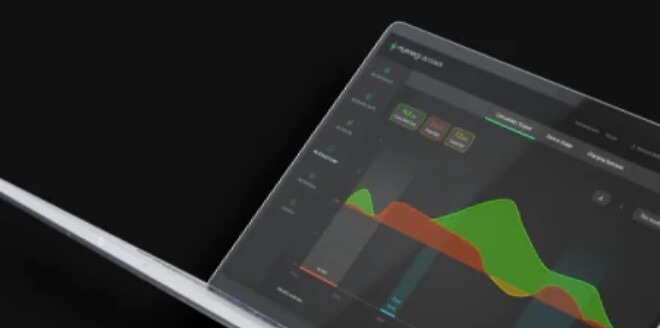 Manage Your Energy
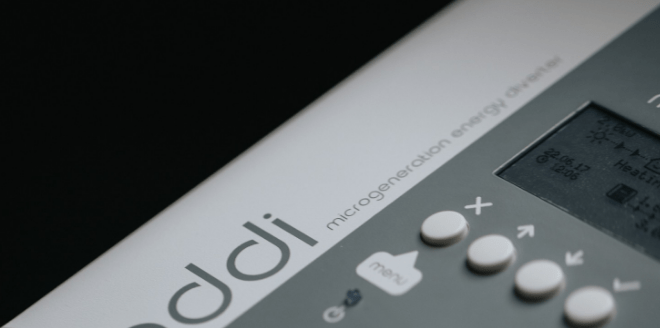 Maximize Your Energy
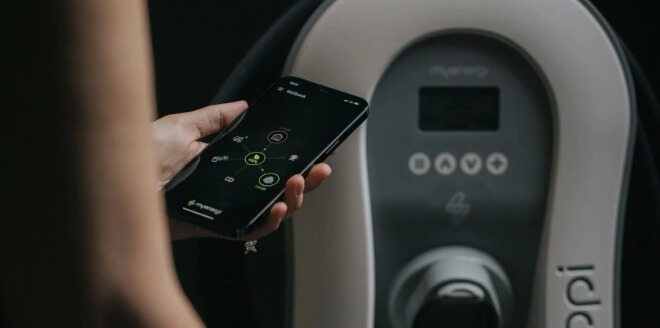 Track Your Energy Usage
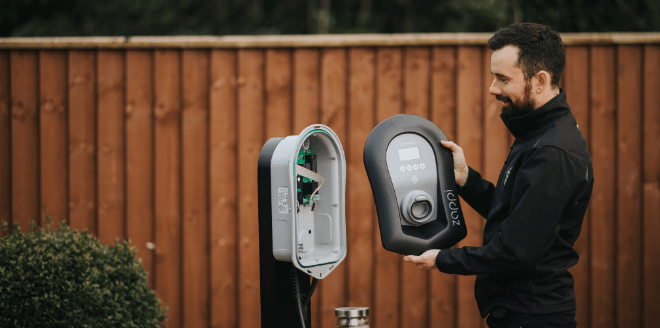 Find an installer
 Commercial Charging Station
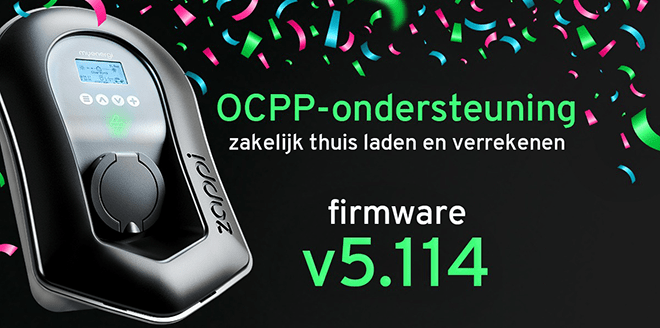 Connect Zappi to a management platform

Earn €2.50 per month with your Zappi
During peak times, we may pause your charging session for up to one hour to reduce the load on the power grid. You’ll receive €2.50 each month for this. You can adjust or stop this at any time.
Open the myenergi app to activate Gridpay.
Download from the App Store Open on iOS Discover it on Google Play Open on Android
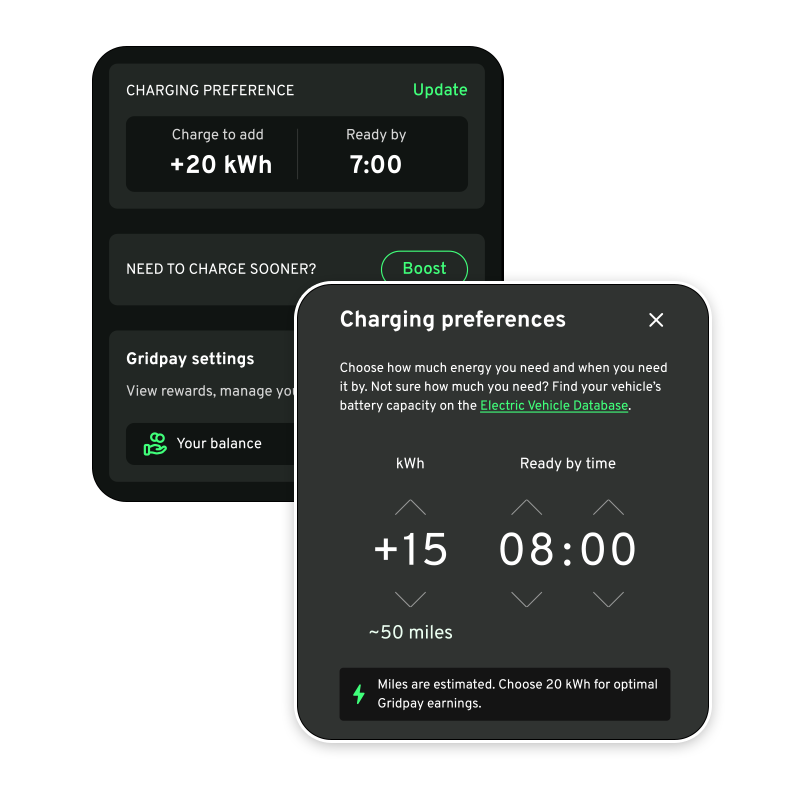
How Gridpay Works
- You can activate Gridpay in the myenergi app. That's all you need to do.
- We'll register your Zappi with the utility company in your area.
- During peak times, we may pause your charging session for up to one hour.
- You'll receive €2.50 per month. Your first payment will appear in the app 1 to 2 months after activation.
Open the myenergi app to activate Gridpay.
Do you notice anything?
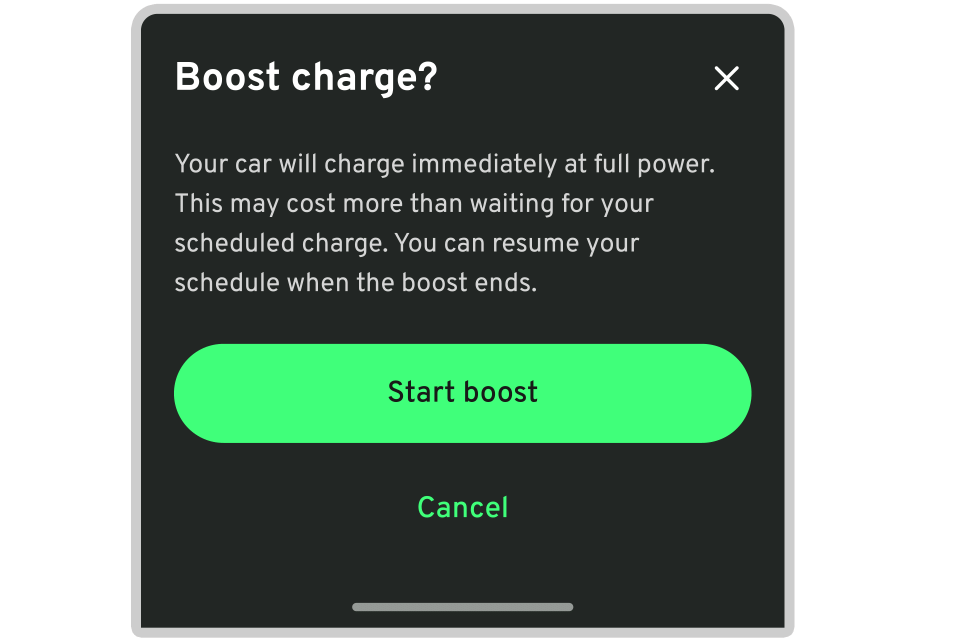
Almost nothing. Your Zappi charges just as you're used to, with the same settings. Only during peak times do we sometimes pause your charging session for up to an hour. If you still want to charge at that time, you can adjust the settings yourself in the app.
How much do you get?
€2.50 per month, as long as Gridpay is activated. You’ll receive this payment because zappi is available on the grid, even in months when we don’t pause your charging session. Your first payment will appear in the app 1 to 2 months after activation.
Download from the App Store Open on iOS Discover it on Google Play Open on Android


It won't cost you anything
Gridpay is free. You pay for your electricity as usual, and we handle the breaks in the background.
Download from the App Store Open on iOS Discover it on Google Play Open on Android
Gridpay is available in several areas in the Netherlands, and more are being added. Open the myenergi app to see if your Zappi is eligible.
Frequently Asked Questions
Here you'll find answers to the most frequently asked questions about Gridpay. Can't find your question here? Email us at benelux.sales@myenergi.com.
That depends on where your zappi is located. Gridpay is available in several areas in the Netherlands, and more are being added. If your zappi is eligible, Gridpay will automatically appear in the myenergi app.
Don't see it in the app yet? That means your Zappi isn't eligible at this time. Keep an eye on the app, because we're expanding to more areas. Also, make sure you're using the latest version of the app.
€2.50 per month, as long as Gridpay is activated. You receive this payment because your zappi is available to the grid, not per pause. So even in a month when we don’t pause your charging session, or when you charge very little, you’ll still receive the full €2.50.
Your first credit will appear in the app 1 to 2 months after activation. We first register your zappi with the grid operator, and the credit accrues for each full calendar month. So it may take a while before you see it. That’s normal.
You can find your payment in the app under Gridpay. Select “View Payments” to transfer your balance to your bank account. We won’t ask for your bank information until you withdraw your payment.
You can cancel at any time in the app. Go to Settings → Gridpay → Deactivate Gridpay and follow the steps. Do you still have an outstanding payment? Be sure to claim it first. If you deactivate your account first, you can still request the amount through customer service up to 1 year after you cancel.
Changed your mind after all? You're welcome to join us again. Email us at benelux.sales@myenergi.com, and we'll help you out.
No. The only exception: Is your zappi already controlled by a smart rate plan or a smart charging service—for example, from your energy provider? If so, you cannot participate in Gridpay, because your zappi cannot be controlled by two parties at the same time.
To make Gridpay work, we and our service providers control your zappi during peak times and share usage data from your zappi with the grid operator. You can read more about this in the Gridpay Terms and Conditions and our Privacy Statement.
Links for the last question (same as on the page now):
- Gridpay Terms and Conditions: Gridpay Services Terms and Conditions | myenergi Benelux
- Privacy Statement: Privacy Policy | myenergi Benelux